
Last updated: August 2026
This guide gives a practical answer to best crm options for small businesses (and when to build your own), covering the decisions, trade-offs, and questions worth resolving before a business commits budget, tools, or delivery time.
What should a business know about Best CRM Options for Small Businesses (And When to Build Your Own)?
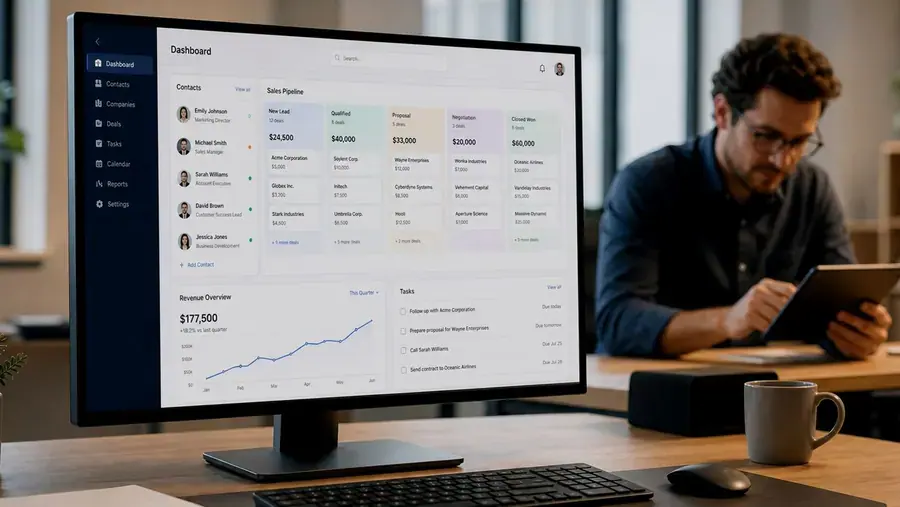
Ask ten small business owners what CRM they use and you'll get ten different answers, and honestly, most of them are probably right for their situation. The best CRM depends entirely on how your sales process actually works, not which tool has the flashiest homepage.
The Popular Off-the-Shelf Options
HubSpot is a solid starting point for businesses that want marketing and sales tools in one place, with a free tier that covers basic contact management. It gets expensive quickly once you need more advanced features or a larger contact list.
Pipedrive leans heavily into visual pipeline management and is popular with sales teams that want something simple and deal-focused without a lot of extra clutter.
Zoho CRM offers a wide range of features at a lower price point, which makes it appealing for budget-conscious teams, though the interface can feel a bit dated compared to newer tools.
Salesforce is the heavyweight option, extremely powerful and endlessly customizable, but often more system than a small business actually needs, both in cost and complexity.
When an Off-the-Shelf CRM Starts to Break Down
These tools work well until your sales process does something they weren't built for. Common signs it's time to consider something custom:
- You're maintaining a spreadsheet alongside your CRM because the CRM can't track something specific to your business
- Your team has built workarounds that involve manually copying data between tools
- You're paying for a lot of features you don't use just to access the two or three you need
- Your pipeline stages or deal logic don't map cleanly onto any template the CRM offers
What a Custom CRM Actually Solves
A custom CRM gets built around your actual sales stages, your actual reporting needs, and the specific fields and workflows your team relies on, instead of asking your team to adapt to someone else's template. It also means no monthly per-seat licensing fees that scale up as your team grows, since you own the system outright.
That said, custom isn't automatically better. If an off-the-shelf tool covers 90 percent of what you need, building custom for the remaining 10 percent rarely makes financial sense. Custom CRM development tends to make the most sense once you've outgrown the flexibility of the popular tools, or your process is specific enough that no template quite fits.
FAQs
Clear answers, before you commit.

Frequently Asked Questions
How much does a custom CRM cost compared to an off-the-shelf one?
Off-the-shelf tools have lower upfront cost but ongoing per-seat fees. Custom CRMs cost more upfront but no recurring licensing. Our custom software cost guide breaks down what affects that number.
Can a custom CRM integrate with tools we already use, like email or calendars?
Yes, this is standard for a well-scoped custom CRM build.
Is a custom CRM only worth it for larger companies?
Not necessarily. It's more about how specific your sales process is than how big your team is. Some small, specialized businesses outgrow off-the-shelf CRMs faster than larger, more generic ones do.
Ready to take the next step?
Not sure which route fits your business? and we'll give you a straight answer, even if that answer is "stick with what you've got."